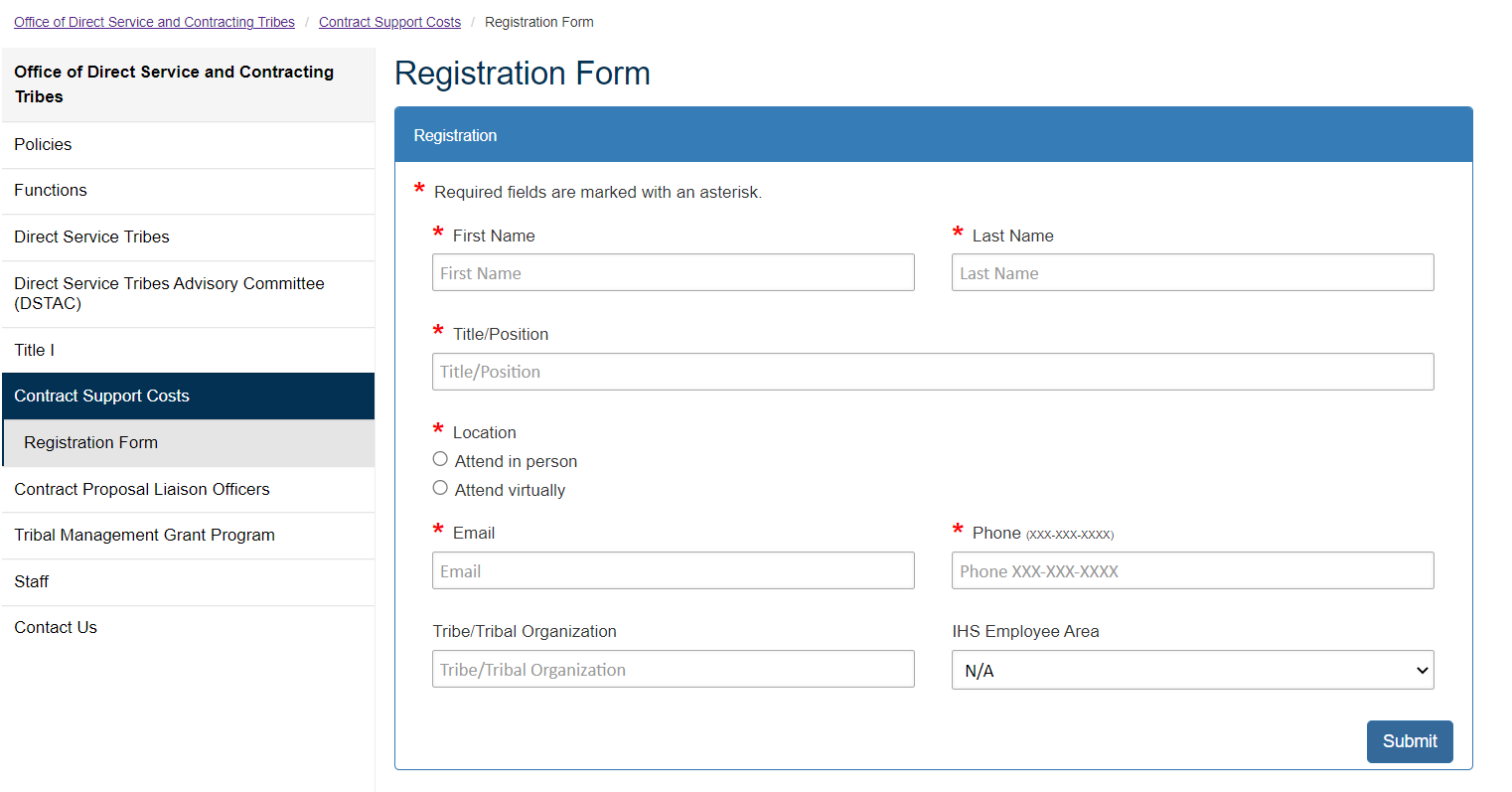
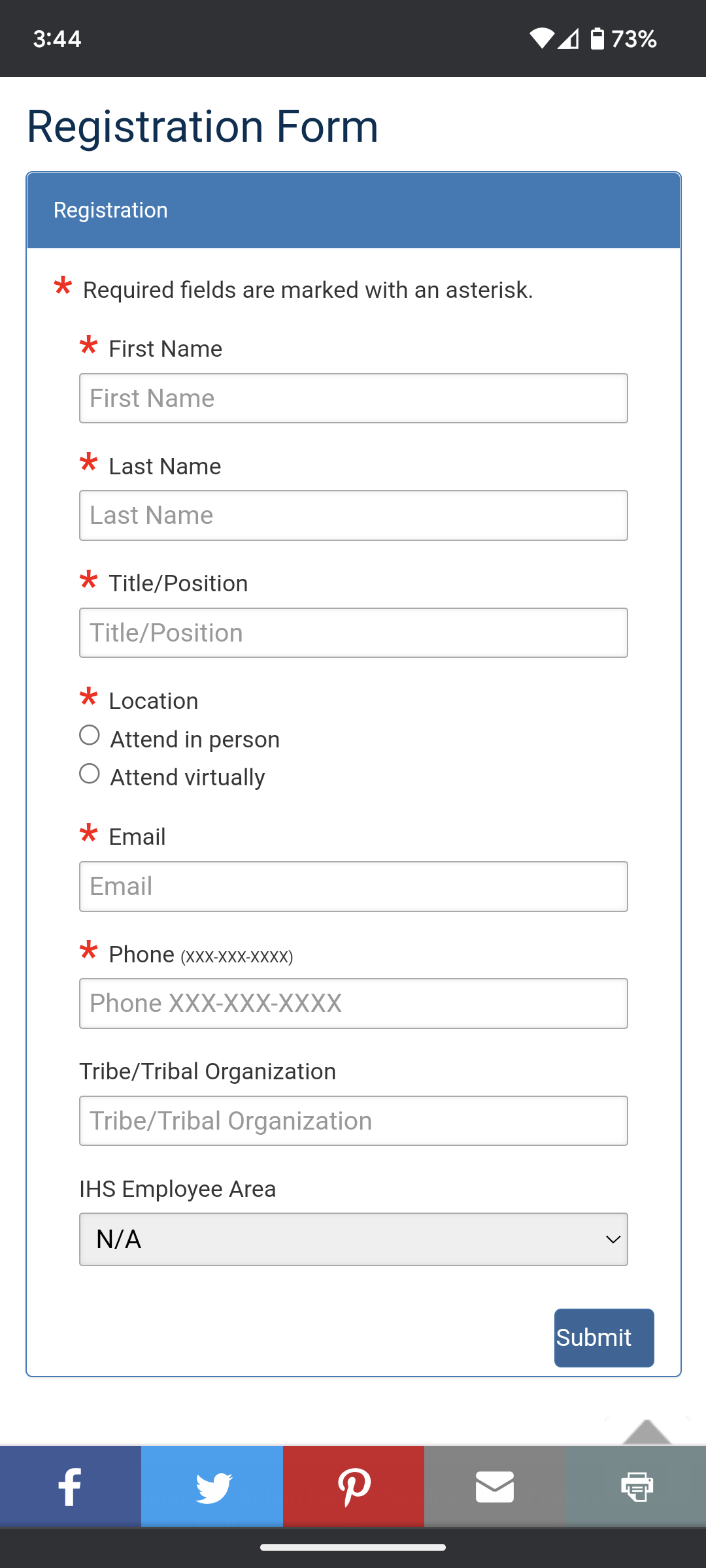
The registration form on desktop (left) and mobile (right)
The Office of Direct Service and Contracting Tribes requested a custom registration form that they can use at their events. We have many similar contact forms that we use across IHS.gov with consistent elements, but other forms did not have all the items and features that were needed for this event.
This is an HTML form integrated into the CMS via a ColdFusion file and file call. The form features JavaScript Regex to validate entries on the client side before submission. The form uses Bootstrap to dynamically shift content placement based on screen size, which means it is optimized on both mobile and desktop.
In the development of this form, we encountered an issue where the regex was prohibiting apostrophes and single quotes. This is typical of text entry elements in HTML forms to prevent the submission of malicious code; however, apostrophes are common in tribal names, especially in Navajo/Diné. We updated the regex for text entry fields to permit any of the characters that a user might choose to represent an apostrophe. This was necessary since the form interprets similar-looking characters (like single quotes and apostrophes) as different entries and we don’t want users to have to use trial and error to get the form to work. I sent the updated code to other developers so that we can start to replace the default regex on other forms across the site.

 Lauren Mach
Leave a comment