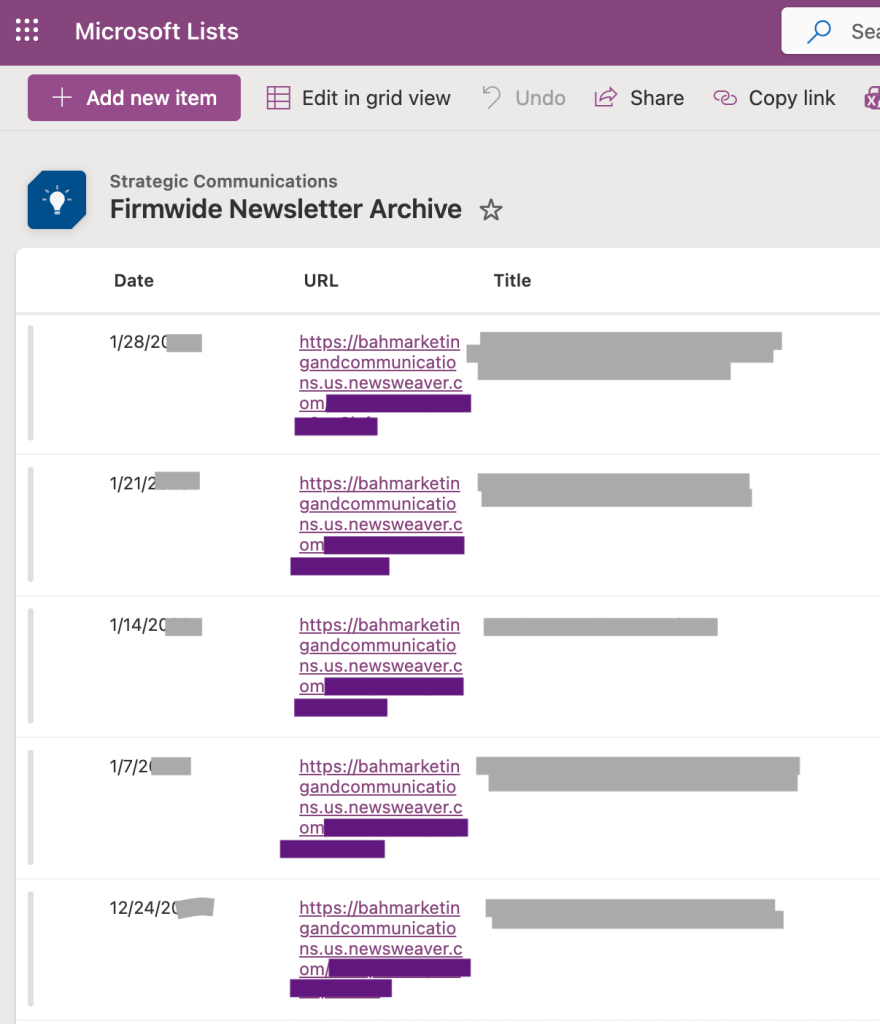
A small but important team task is maintaining an archive of past newsletters. This is done in a MS List and required someone to enter the date and copy the subject line and web view link from the emailed newsletter. While the recording only took a few minutes, it was a task that sometimes got forgotten, especially if the assigned person was out on PTO or changed roles.
I built an automation triggered when my inbox received an email from the newsletter account. Because I receive test emails each week, I had the automation ignore anything with “test” in the subject.
The automation pulls the email HTML and converts it to plain text, then scans for the web view link and extracts it. The output is the date, link, and email subject line into the newsletter tracker. I also added a failure notification in case something changes with the template that causes the automation to stop working. Just like that, no one has to think about this task any more!
 Lauren Mach
Leave a comment